How do I register for an account? Use your service company license number and
preferred email to set up your DPR Online access.
How do I know if my account is active? Once you submit your registration,
you will get a confirmation email with the subject line "Confirm Your DPR Online Account"
with a link to complete your registration.
I never got the registration email. What do I do? Check your junk email box from noreply@tdlr.texas.gov.
Can my service technicians or staff also register for an account? Service companies may have multiple user logins.
Each account user must provide the service company's license number to ensure the accounts are linked, but each user
can register with their own email address.
Logging In
I just bought a new company. Can I use the previous owner's user ID?
A change of service company ownership requires you to register your new company with TDLR.
You must also create a new user account for your company; you cannot use the log in information from the previous owner.
This ensures reports are submitted under the correct license number.
I forgot my username. What do I do? Your username is the email address you used when you initially signed up for a
DPR Online account.
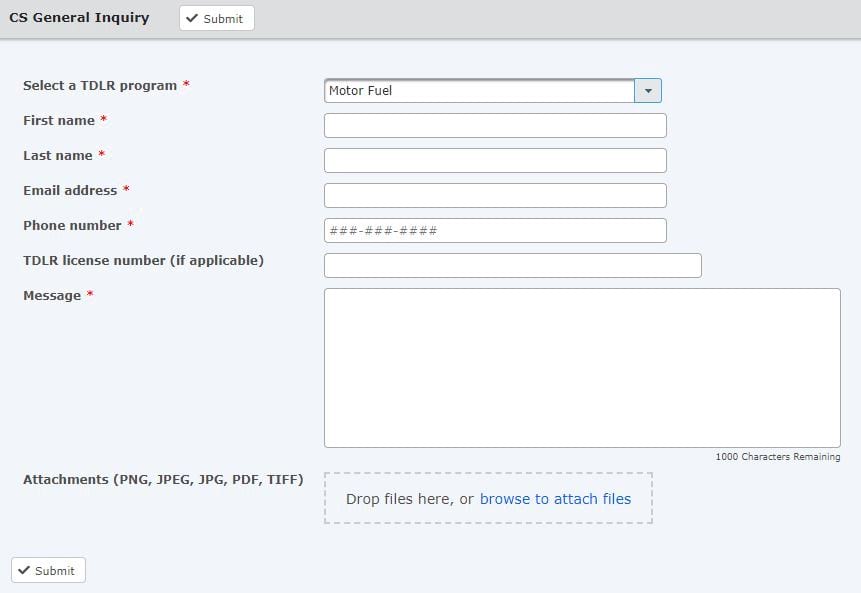
I don't remember what email I used to sign up. How can I log in? Contact Customer Service using the
secure web form.
I don't remember my password. Can you reset it? If you forgot your password, you can reset it using the
"Forgot Password" link on the sign on page.
An email with instructions will be sent to the email address on file.
What Must Be Entered into DPR Online?
I made repairs or did maintenance work at a facility—I did not perform a DPR. Do I have to enter those activities?
You should not enter any routine maintenance activities into DPR Online.
You are only required to report completed device performance reviews.
If a device fails any portion of a device performance review, do I count that as a DPR? Do not enter that device until
it is operating within NIST Handbook 44 specifications, tolerances and other technical requirements along with
specified manufacturer guidelines.
I responded to a skimmer complaint. Do I report skimmer inspections in DPR Online?
If you are inspecting for skimmers only, you should not complete information for that facility in DPR Online.
To submit a skimmer discovery click here.
Skimmers
IF YOU FIND A SKIMMER DURING A DPR, YOU MUST REPORT TO THE MERCHANT IMMEDIATELY AND ALSO NOTIFY TDLR WITHIN 24 HOURS.
Be sure that you check the box indicating you have found a skimmer and click on the
"Report A Skimmer"
link to submit the finding using Department's online reporting form.
You will be required to include all pump numbers where the skimmers were found.
For questions about completing device performance reviews, maintenance activities, NIST or other technical information,
provide specific details (including pictures, if available) through our
secure web form and someone will contact you.